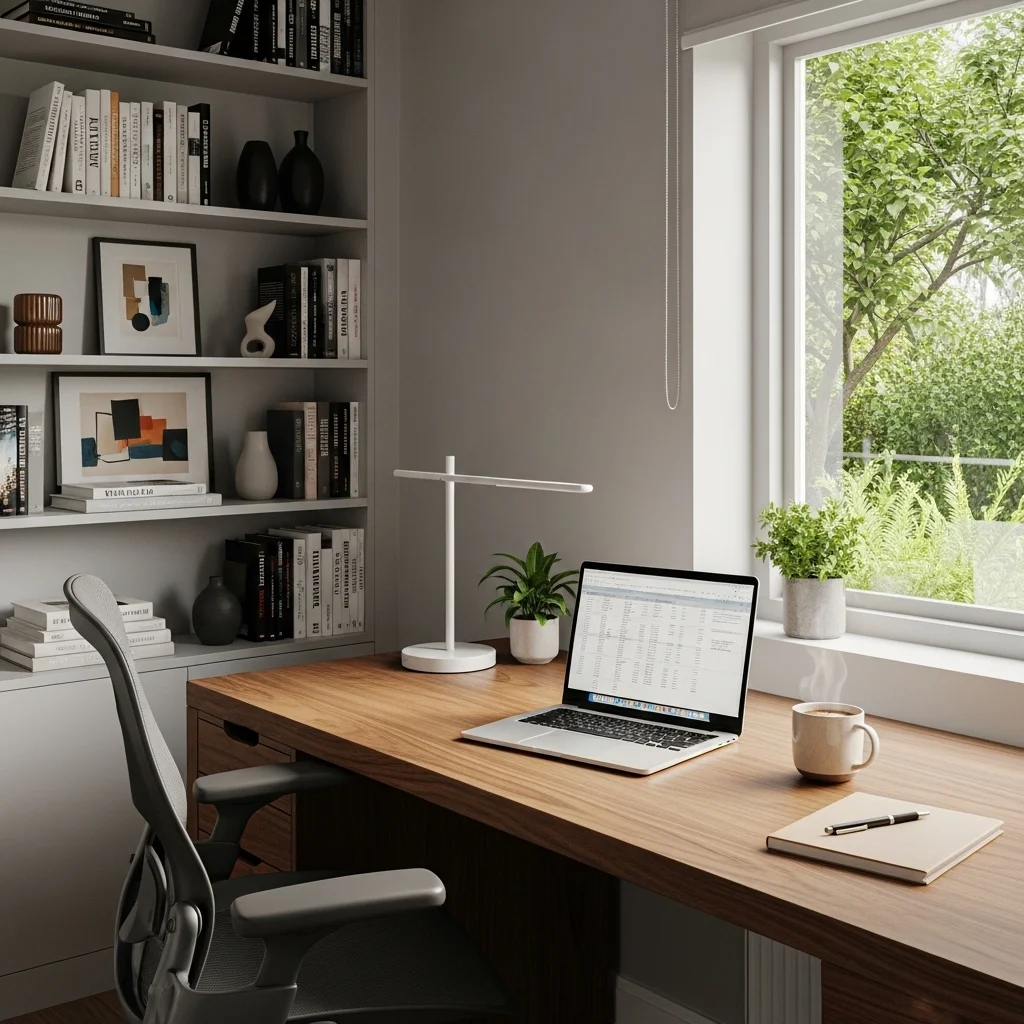
Top 10 Home Office
In the age of remote work, creating a comfortable and efficient home office has become essential. An ergonomic workspace not only enhances productivity but also minimizes the risk of strain and injury. With the right setup, you can ensure that your body feels good while you tackle your daily tasks. This article will explore the top 10 ideas for establishing an ergonomic home office that promotes health and well-being.
1. Invest in an Ergonomic Chair
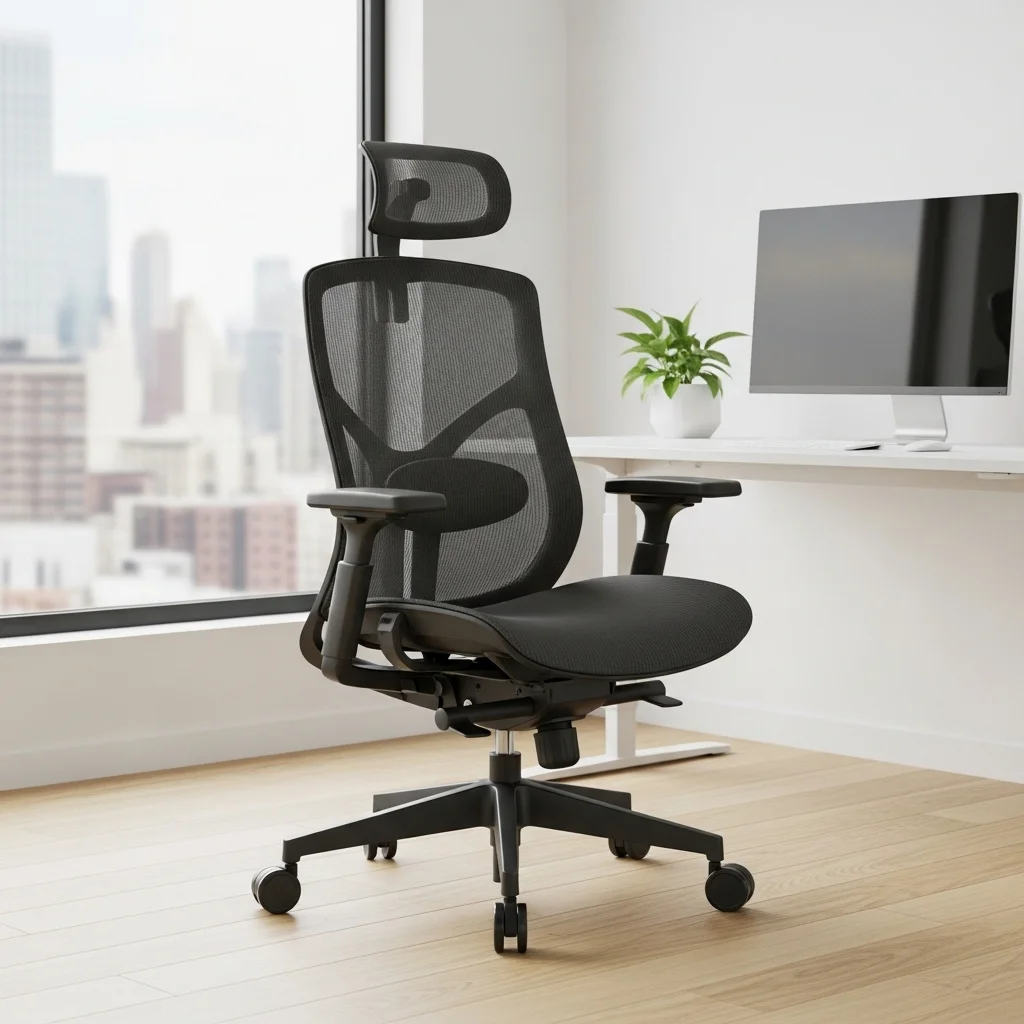
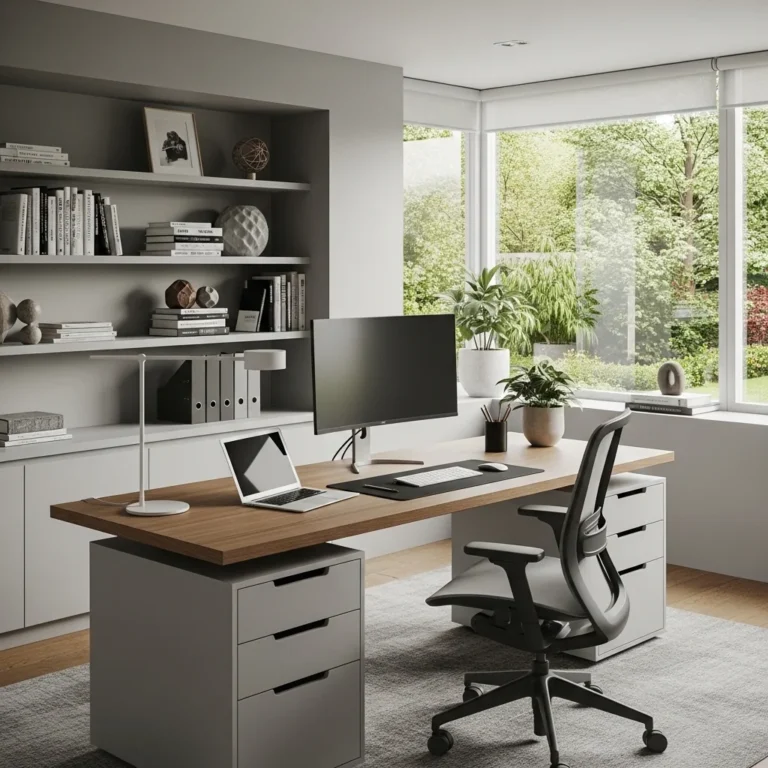
The foundation of a healthy workspace begins with a good chair. Choose an ergonomic chair that supports your lower back, with adjustable height and lumbar support. Look for chairs that encourage an upright posture and allow your feet to rest flat on the ground.
2. Adjust Your Desk Height
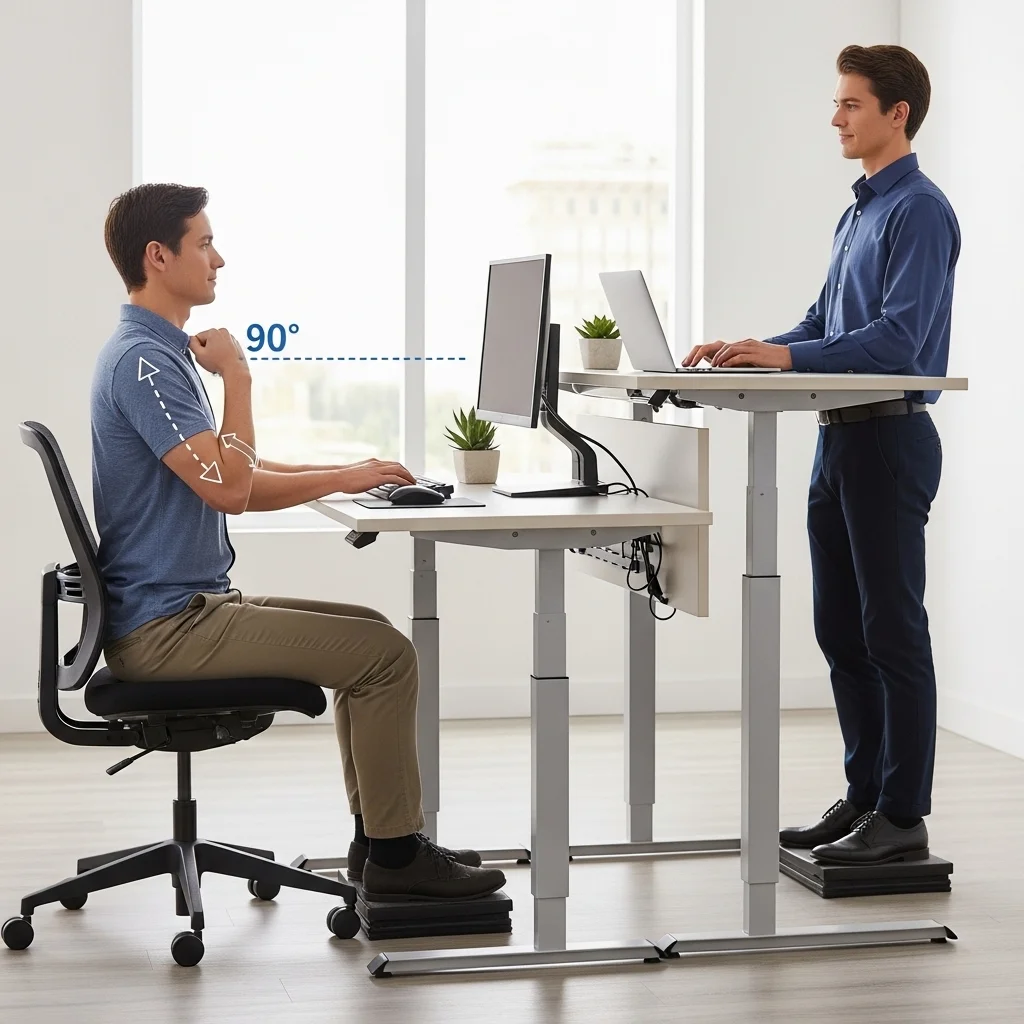
Ensure your desk is at the right height for your body. When seated, your elbows should be at a 90-degree angle and close to your body. If you frequently work standing, consider a height-adjustable desk that allows you to alternate between sitting and standing.
3. Position Your Monitor Correctly
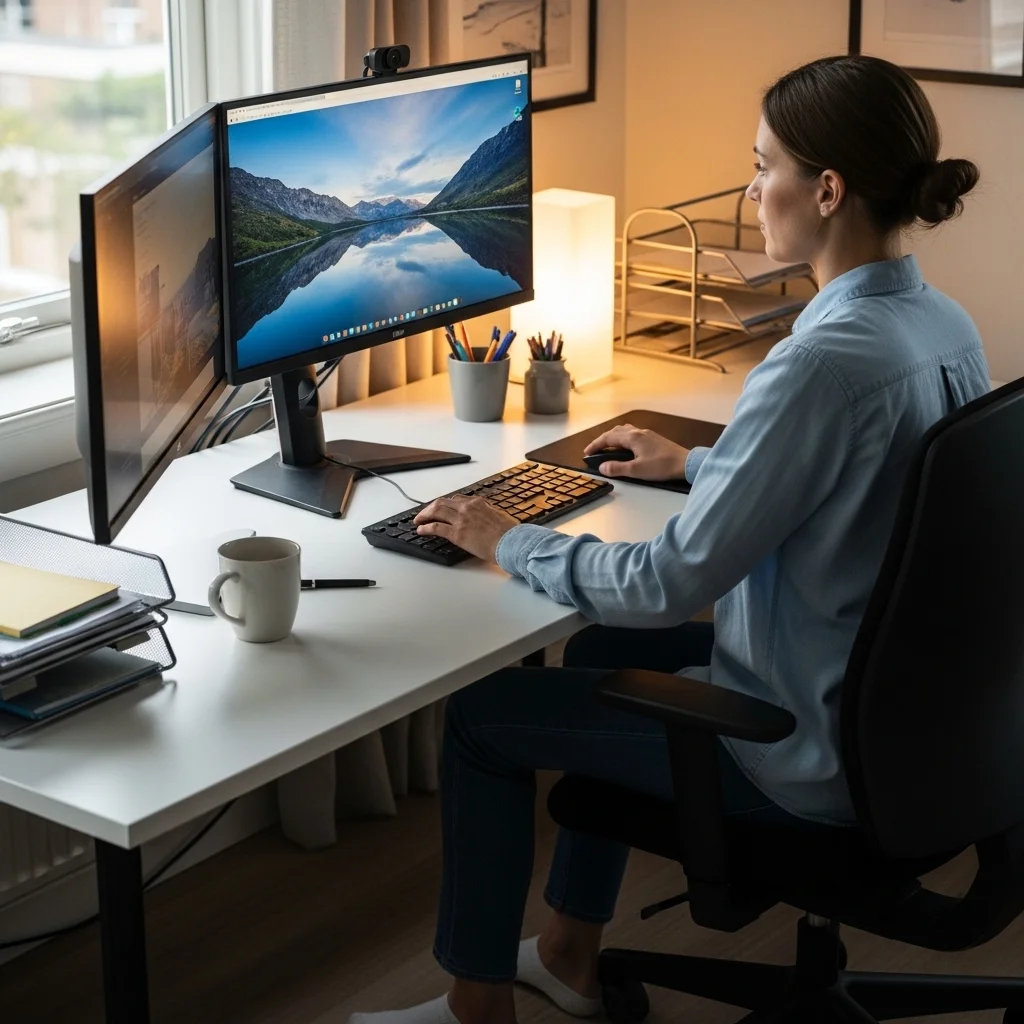
The top of your monitor should be at or just below eye level and about an arm’s length away from you. This helps prevent neck strain and encourages good posture. If you use multiple screens, arrange them so that the primary one is directly in front of you.
4. Use a Quality Keyboard and Mouse
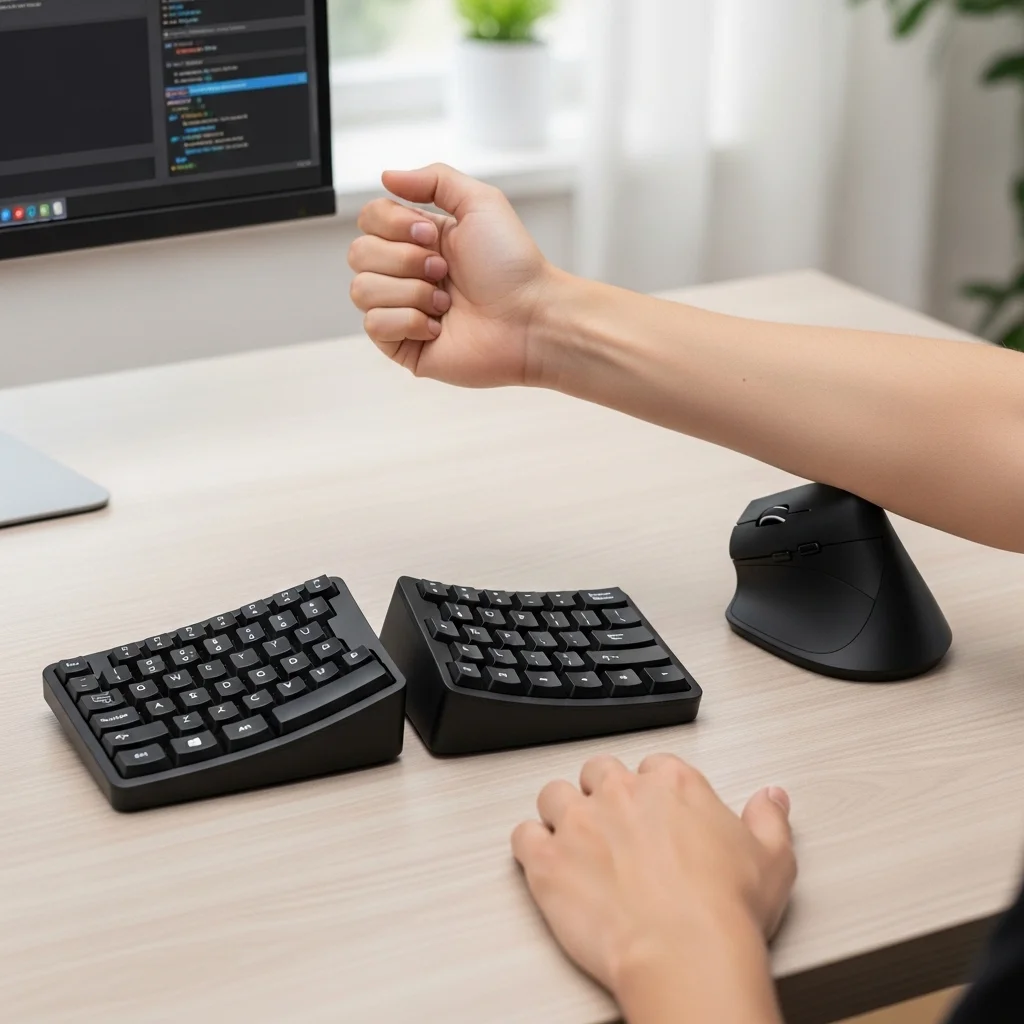
Opt for an ergonomic keyboard and mouse that promote a natural wrist position. A split keyboard and a vertical mouse can reduce strain on your wrists and forearms. Remember to keep your wrists straight and your elbows at a 90-degree angle while typing.
5. Incorporate a Footrest

If your feet don’t comfortably reach the ground, a footrest can help improve circulation and reduce strain on your legs and lower back. Choose a footrest that allows you to shift your feet and change positions periodically.
6. Organize Your Workspac
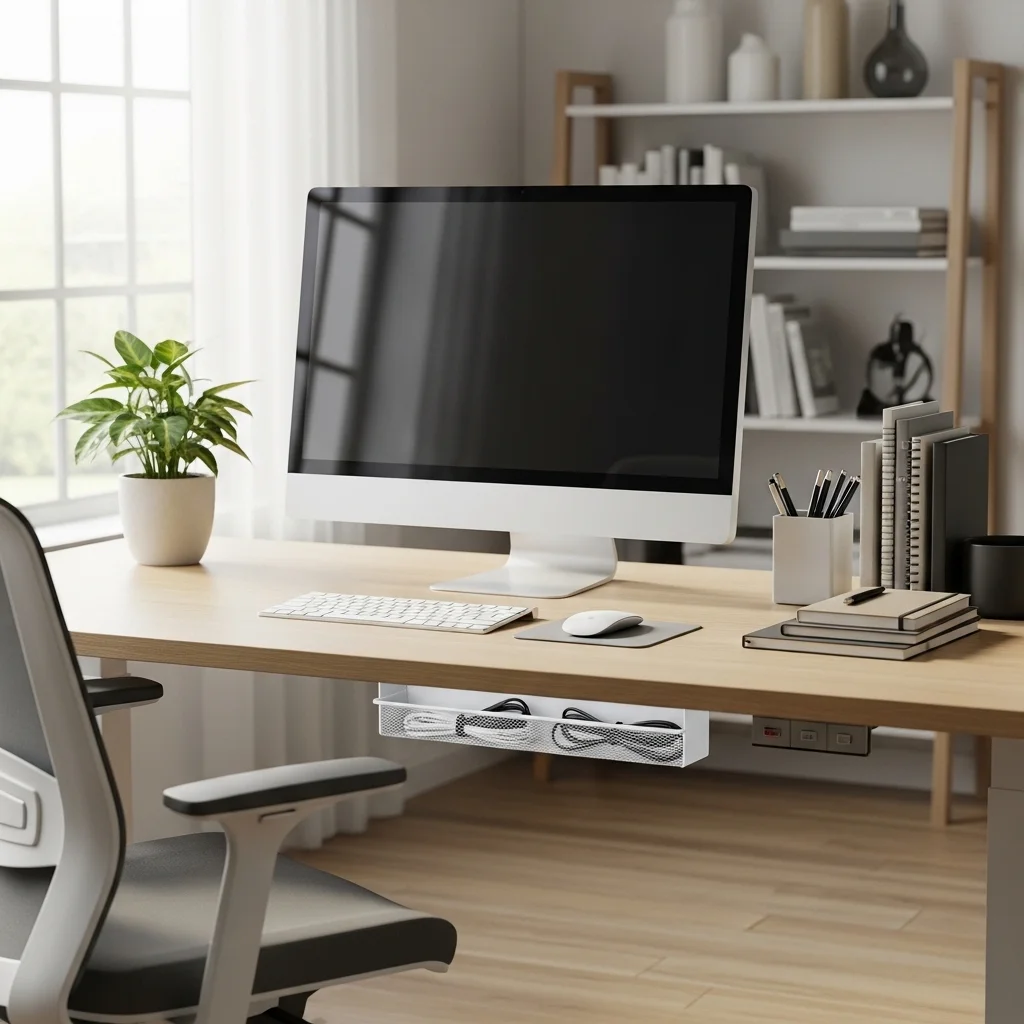
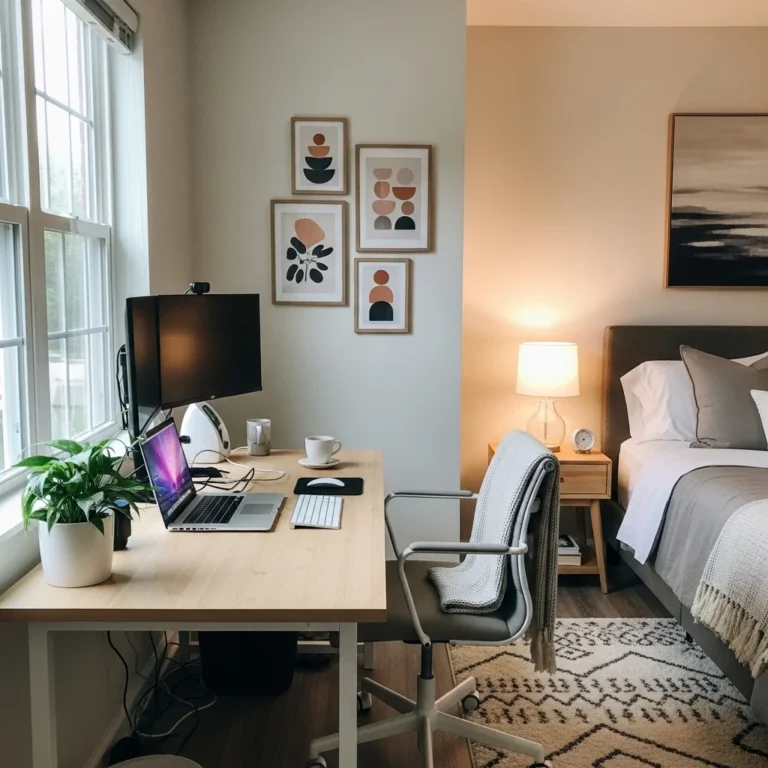
Keep your workspace organized and clutter-free. Items you frequently use should be within easy reach to minimize stretching and straining. Use cable management solutions to avoid tangles and distractions.
7. Implement Appropriate Lighting

Good lighting is key to reducing eye strain and improving comfort. Position your desk near a window to take advantage of natural light, but also use adjustable task lighting to illuminate your workspace effectively.
8. Encourage Movement Breaks

Schedule regular breaks to stand, stretch, and move around. Consider using a timer or an app that prompts you to take breaks every hour. Incorporating some light stretching or a short walk can greatly relieve tension and rejuvenate your focus.
9. Personalize Your Space
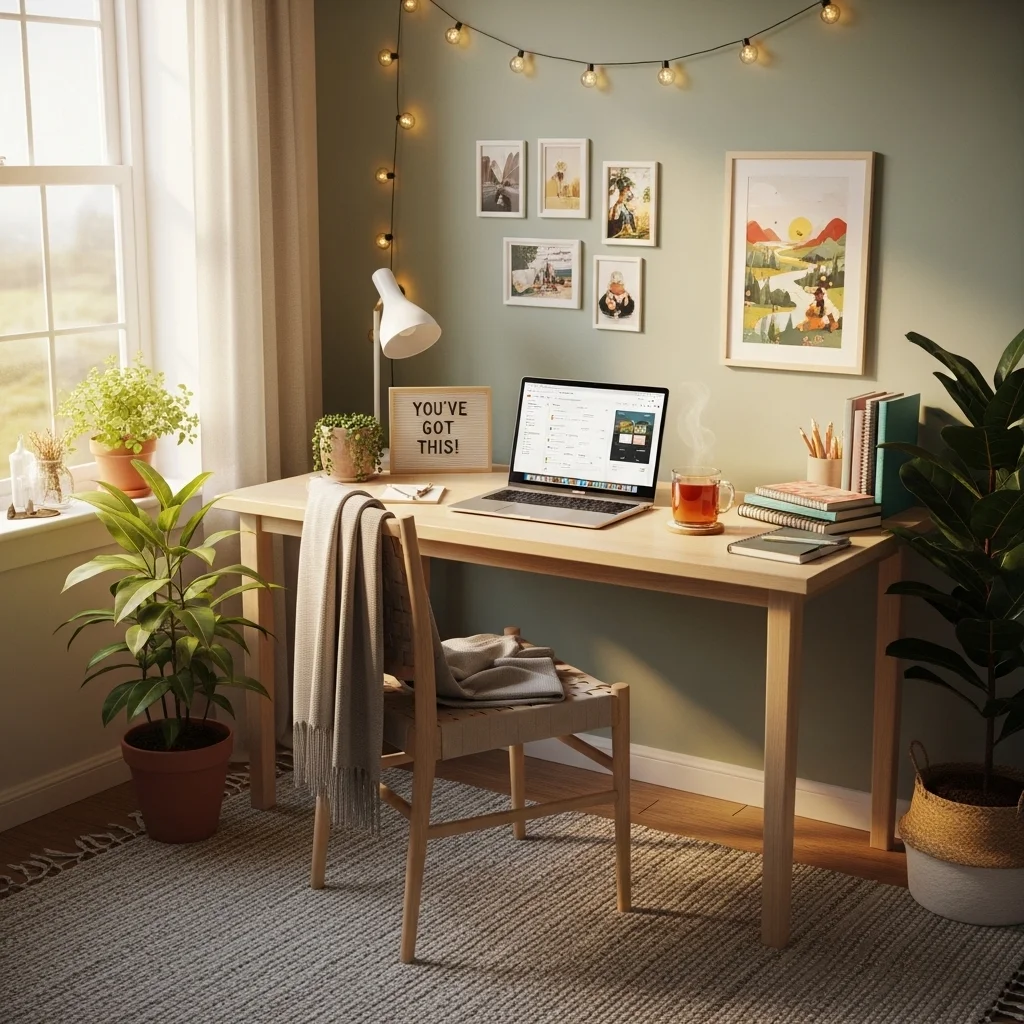
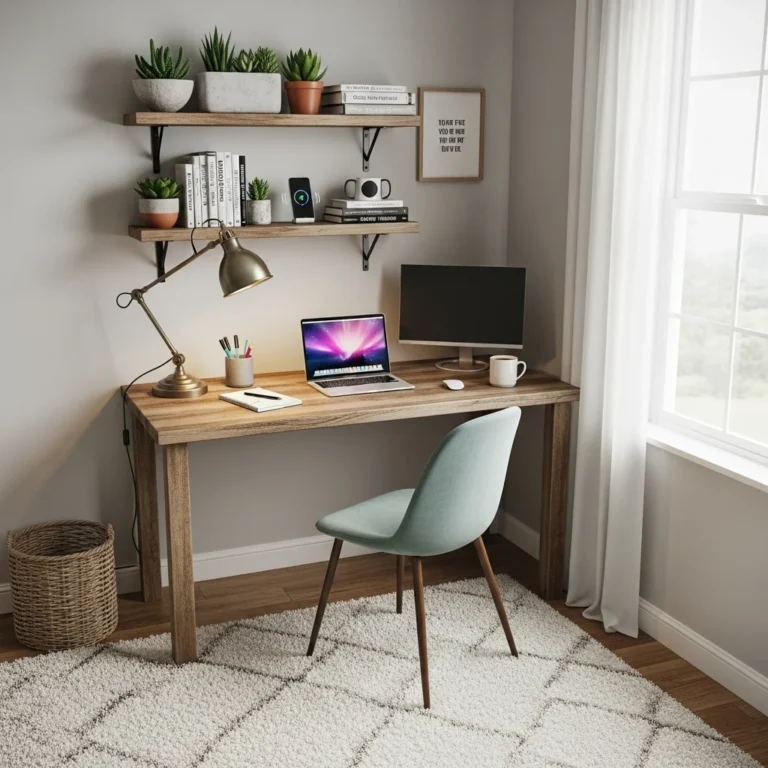
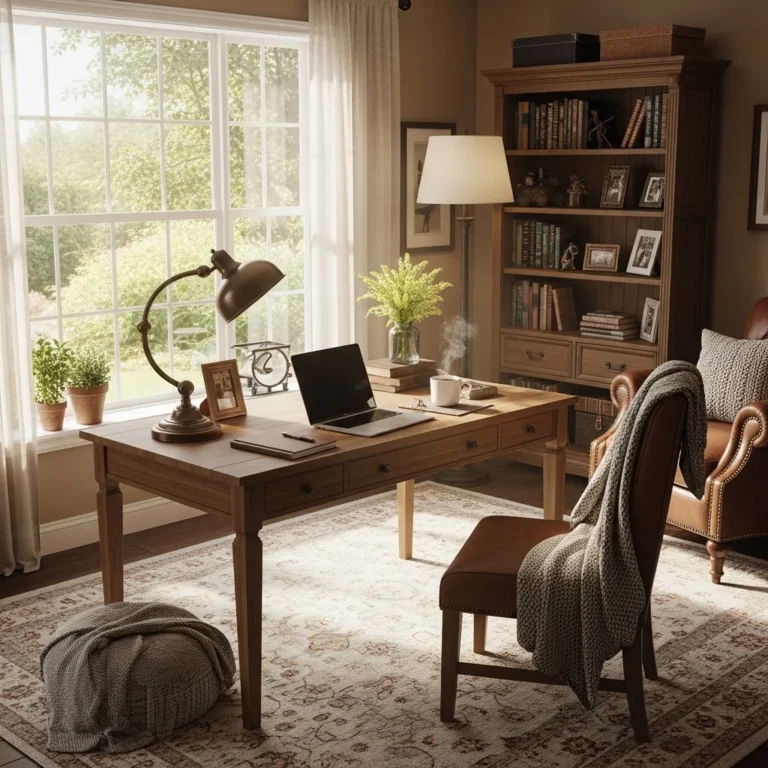
Create a workspace that feels inviting and comfortable. Add personal touches like plants, artwork, or motivational quotes. A pleasant environment can boost your mood and productivity, making work feel less like a chore.
10. Use an Antimicrobial Mat

For those who choose to stand while working, an anti-fatigue mat can enhance comfort and support. Moreover, an antimicrobial mat can help maintain hygiene and prevent the buildup of dirt and bacteria.
Conclusion
An ergonomic home office setup is not just about aesthetics; it’s about fostering a workspace that prioritizes your health and productivity. By investing in the right furniture, organizing your space effectively, and encouraging movement, you can create an environment that makes working from home a pleasure rather than a pain. As remote work continues to be a prevalent aspect of modern life, taking the time to establish an ergonomic workspace is a step toward a healthier, more productive you.
Need a workspace that works as hard as you do? Tour our cozy home office ideas, small home office ideas for tight spaces and the ultimate home office setup guide.