Top 10 Home Screen Layout
In our fast-paced, technology-driven world, our digital devices have become indispensable tools for daily life. The home screen of our smartphones, tablets, and computers serves as the crucial starting point for our digital experiences. However, many of us unknowingly contribute to a chaotic and cluttered home screen, which can lead to stress, distraction, and inefficiency. The good news is that transforming your home screen from chaos to clarity can significantly improve your user experience, making it more organized and user-friendly. In this article, we explore ten effective strategies to achieve a streamlined and visually appealing home screen.
1. Prioritize Essential Apps
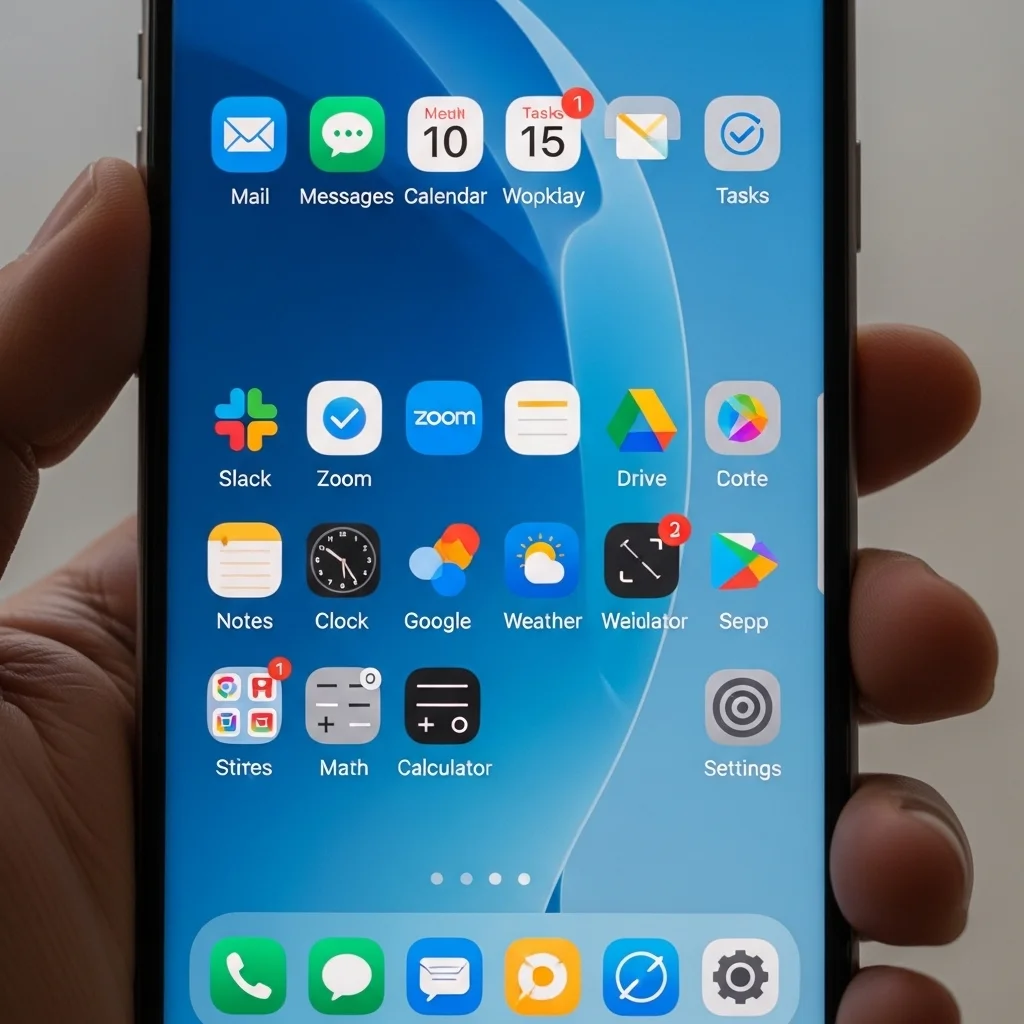
Start by identifying the apps you use most frequently and prioritize their placement on your home screen. Consider designating the first page (or the top spots) for essential tools such as email, messaging, calendar, and productivity apps. This will make your daily tasks more efficient and easy to access.
2. Use Folders Wisely
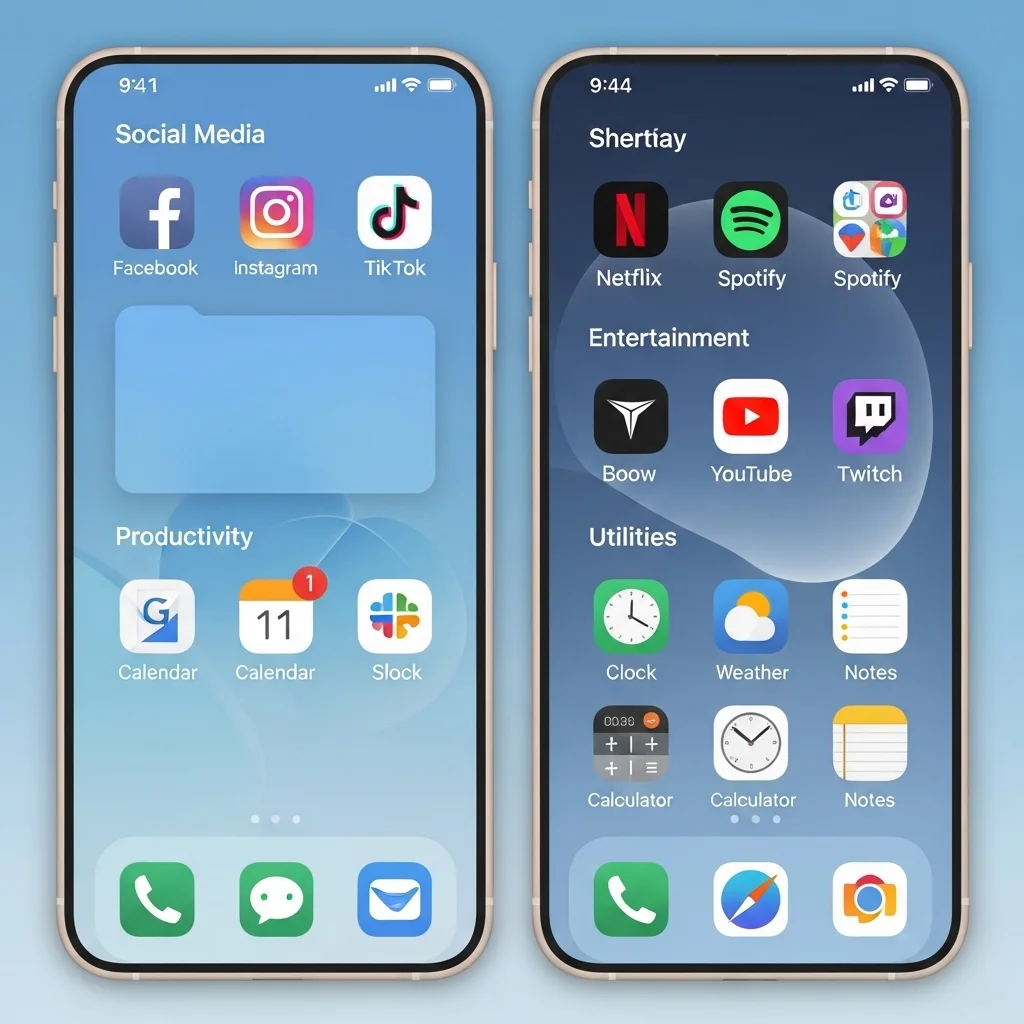
Group similar apps into folders to reduce visual clutter. For instance, you might create folders for social media, productivity, entertainment, and utilities. Label each folder clearly to allow for quick navigation. This not only saves space but also helps you find what you need with minimal effort.
3. Limit the Number of Home Screens
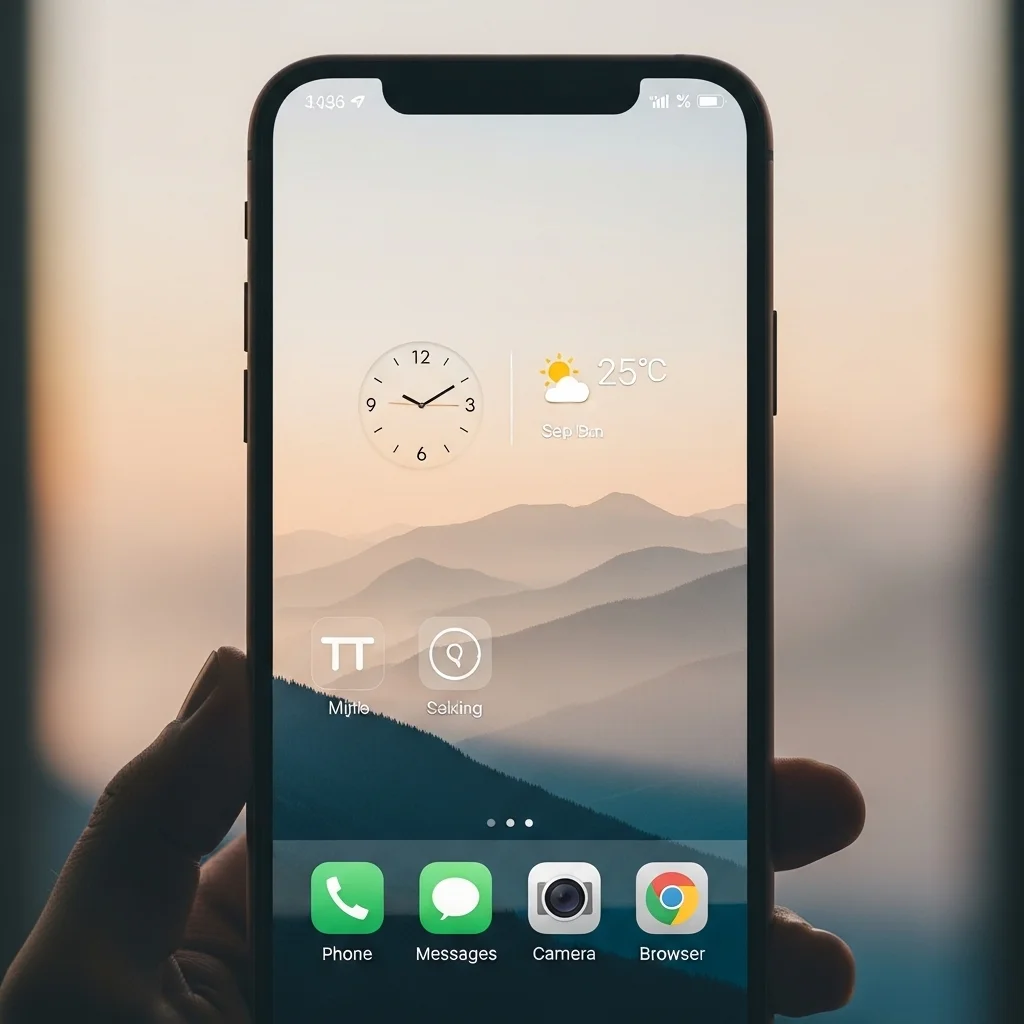
Many devices allow multiple home screen pages, but having too many can make navigation cumbersome. Aim for a single home screen or just two pages at most. This encourages you to be selective about the apps you keep visible, reducing distractions.
4. Customize Widget Sizes
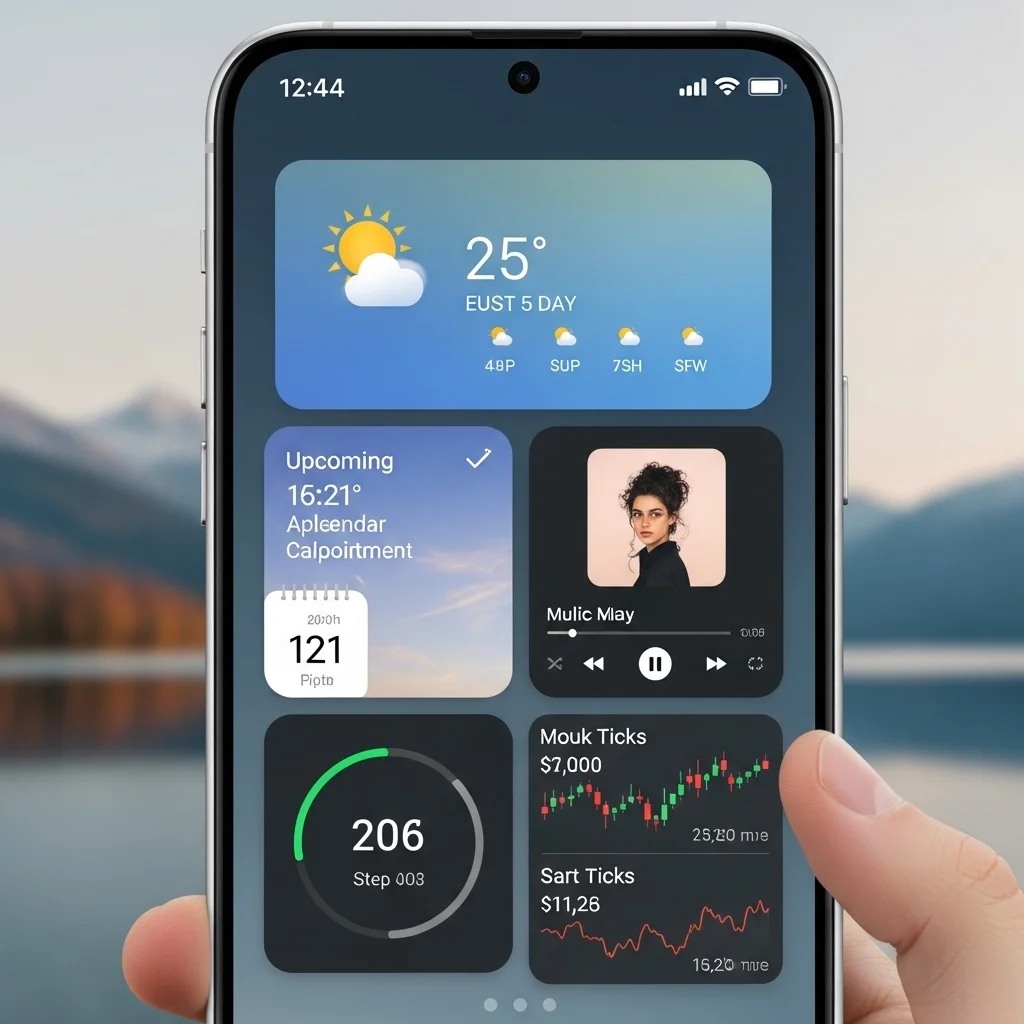
Widgets provide functionality and aesthetic appeal. Utilize customizable widget sizes to display key information at a glance, such as upcoming appointments or weather updates. Carefully choose which widgets you keep and optimize their size for better visibility.
5. Embrace Minimalism
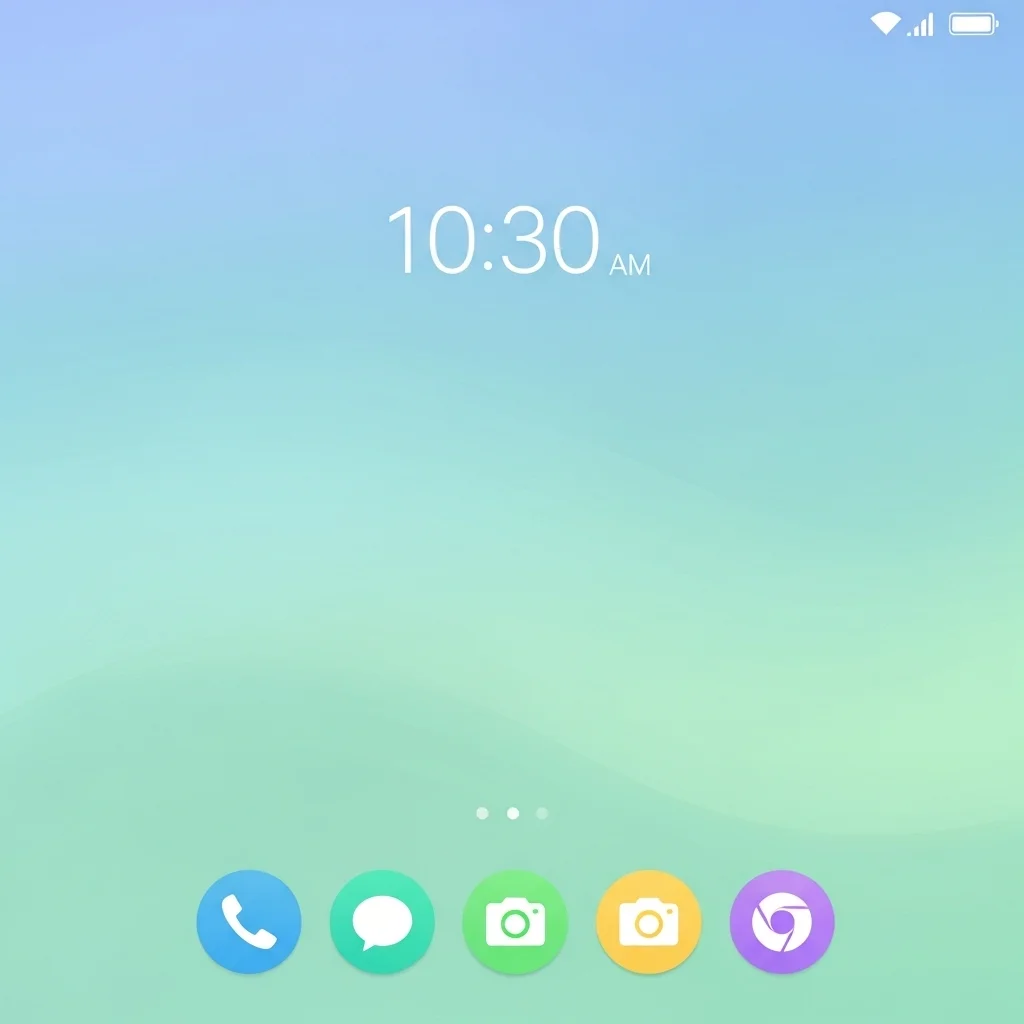
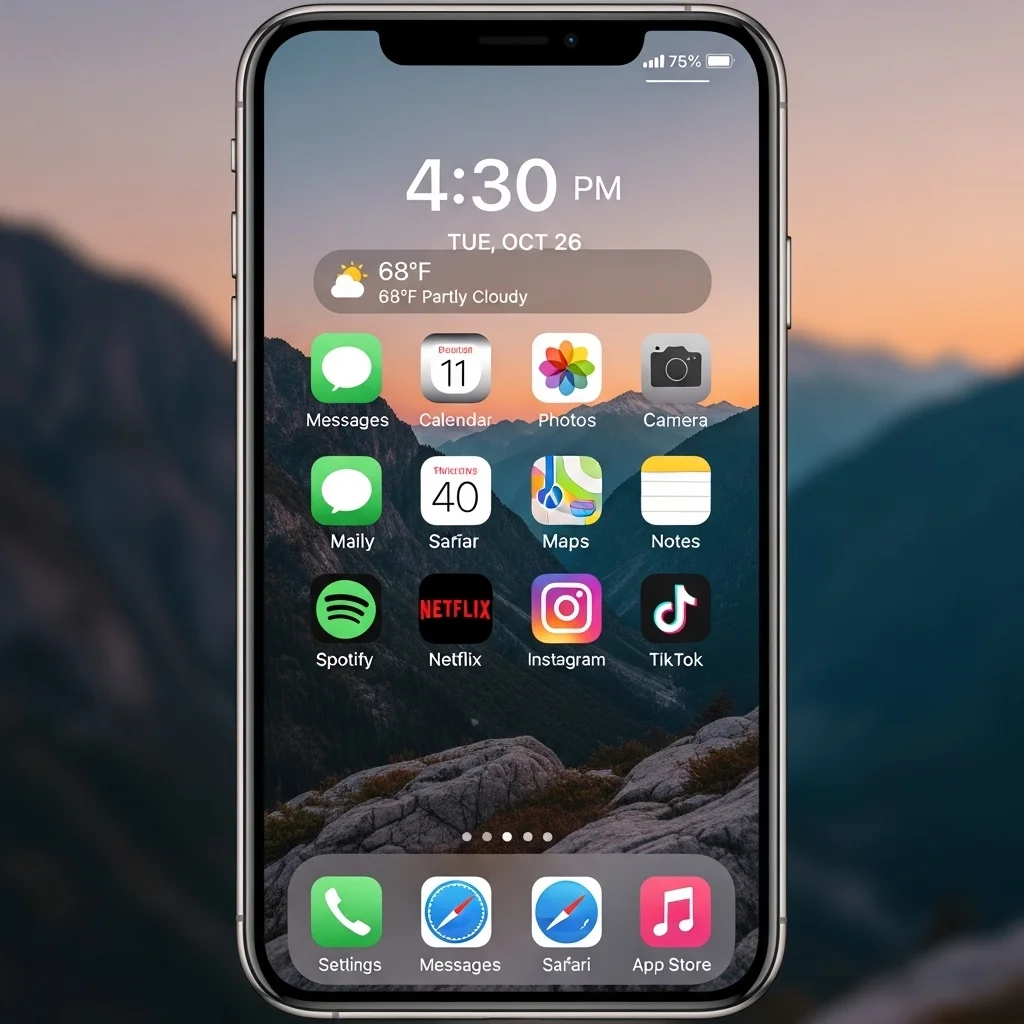
Adopt a minimalist approach to your design. Use a simple wallpaper that is calming and non-distracting. Remove any unnecessary app icons, and consider keeping only the most essential functionalities visible. Less is often more when it comes to clarity.
6. Color Code Your Apps
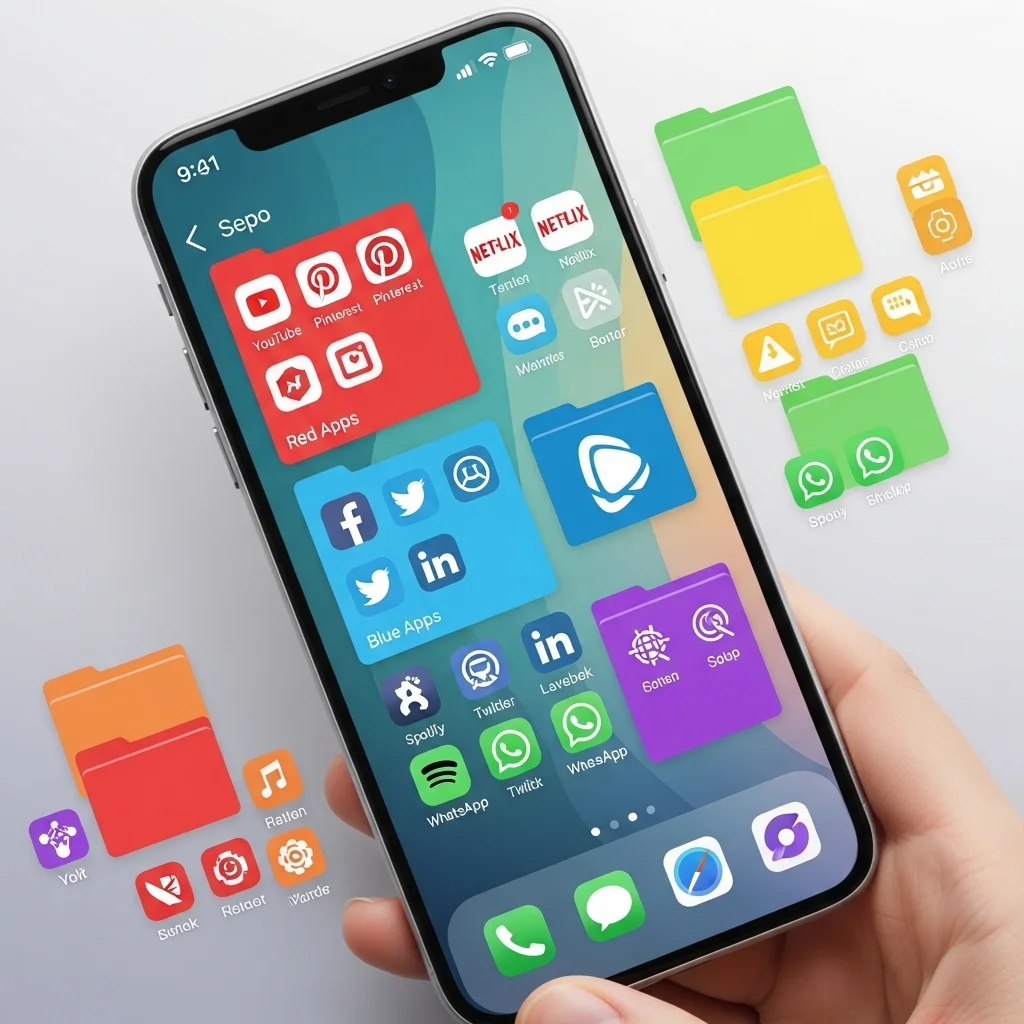
Employing a color coding system can help you quickly locate your apps. Group apps by color within folders or on your home screen. This visual cue creates an organized look and allows for easier navigation, reducing frustration.
7. Regularly Review and Revamp
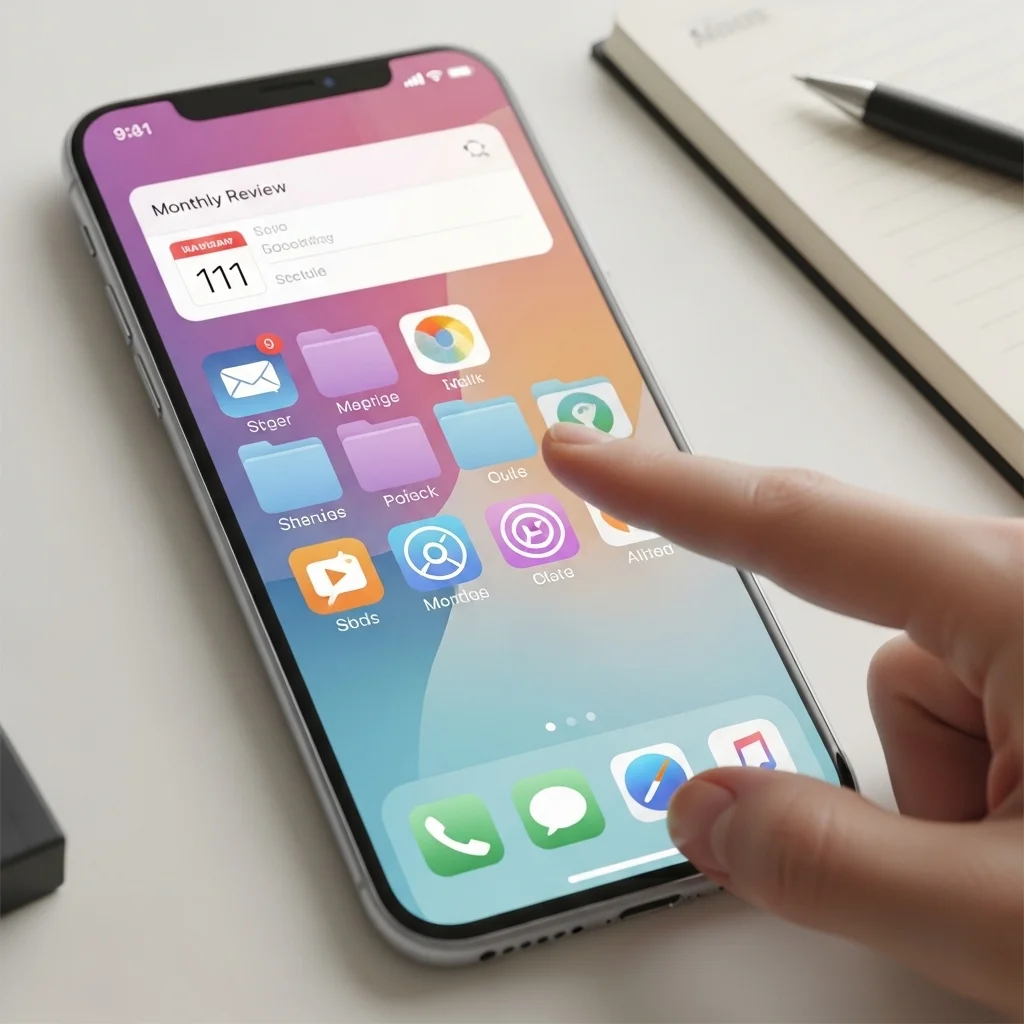
Just as physical spaces require cleaning, your digital spaces need regular reviews. Schedule a time each month to evaluate your home screen. Remove unused apps, update your folders, and rearrange items as your priorities change.
8. Utilize Shortcuts and Quick Access Features
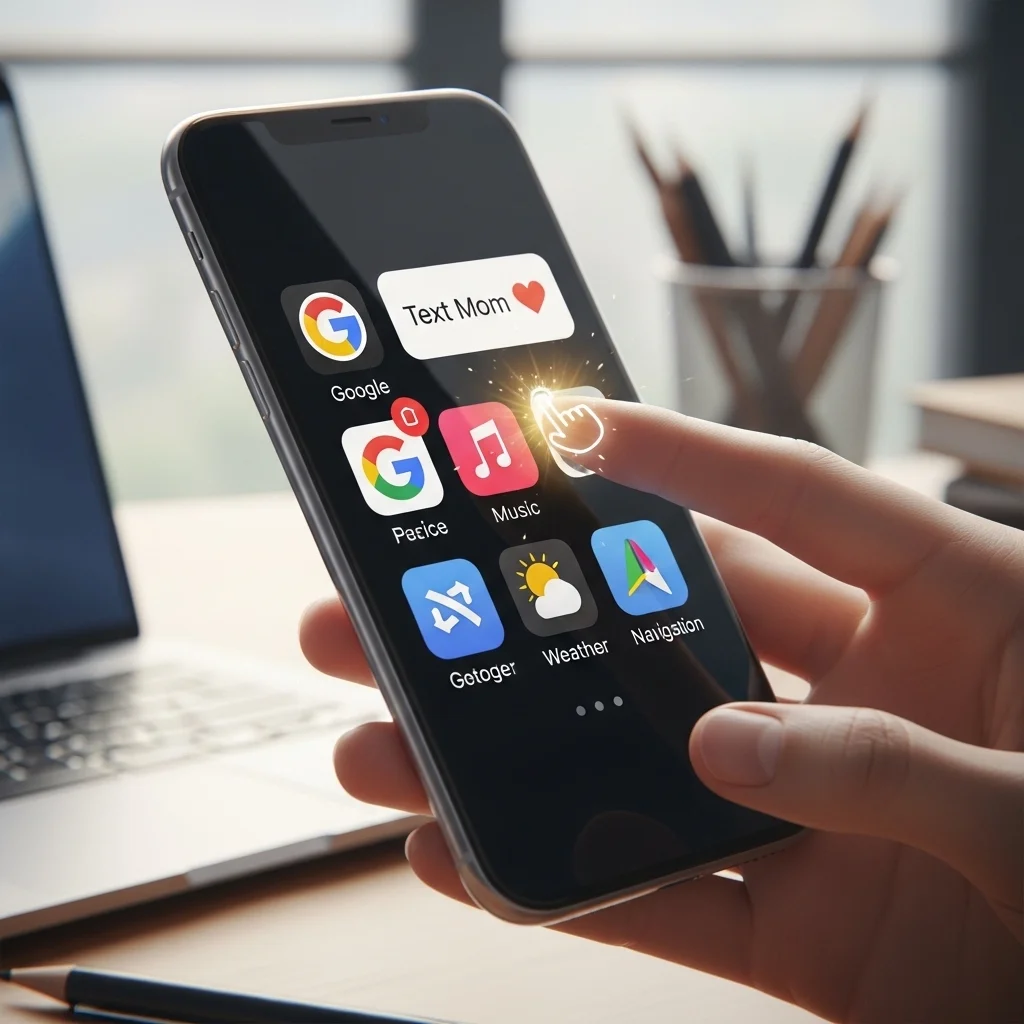
Most devices allow you to create shortcuts for specific actions, such as sending a text to a favorite contact or directing you to your top websites. Utilizing these shortcuts can save you crucial time and streamline your workflow.
9. Limit Notifications
Notifications can be overwhelming and lead to distraction. Take control by customizing notification settings for each app, allowing only the most relevant updates. A quieter home screen equates to a clearer mind.
10. Personalize with Purpose
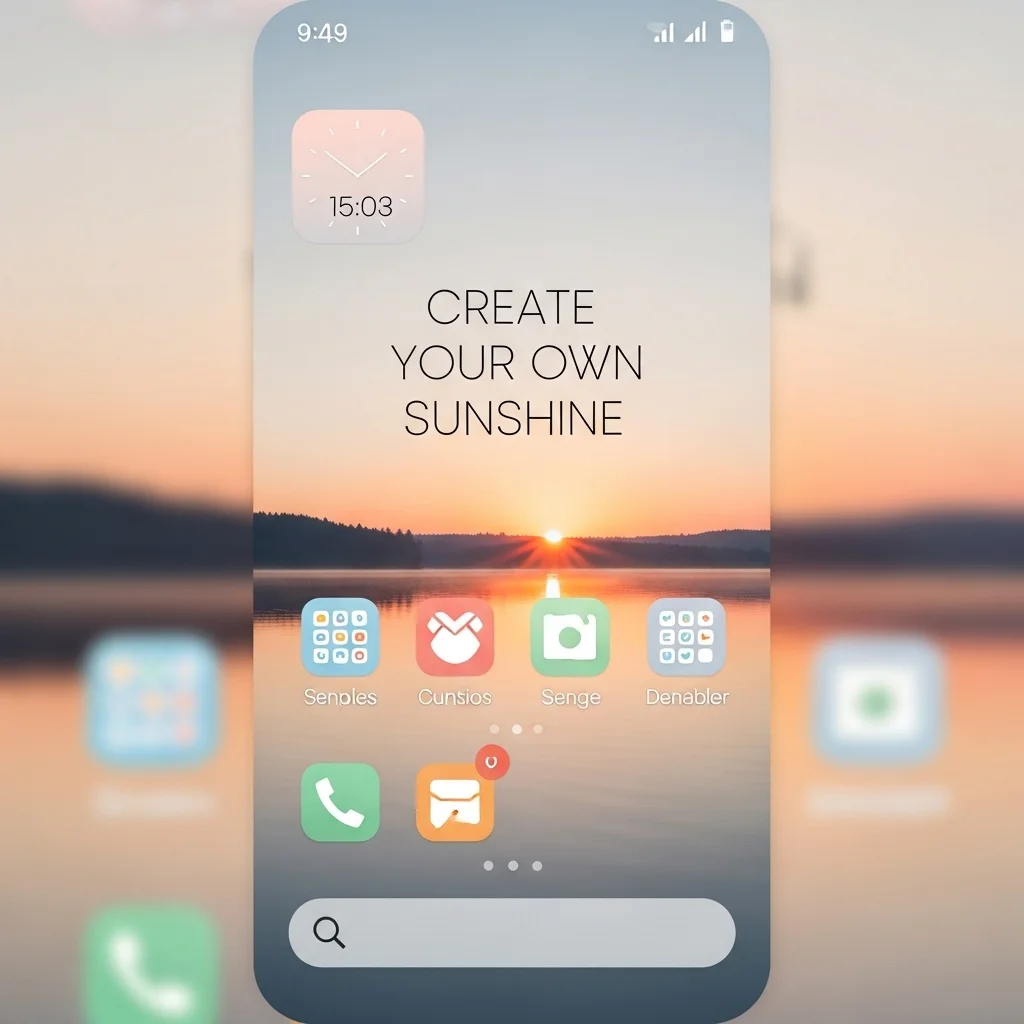
Your home screen is your sanctuary; personalize it in a way that reflects your style and enhances usability. Use motivational quotes, calming images, or color themes that bring you joy. Create a digital space that resonates with your personality and promotes productivity.
Conclusion
Transforming your home screen from chaos to clarity doesn’t have to be a daunting task. By implementing these ten strategies, you can cultivate a digital environment that promotes efficiency and positivity. Embrace the power of organization, and enjoy a more streamlined, enjoyable user experience every time you unlock your device. With a few intentional changes, you’ll find that a clearer home screen leads to a clearer mind, setting you up for success in your daily digital interactions.